
Mit goaccess lassen sich leicht Statistiken auf deinem apache2 Webserver darstellen. Erstelle ein Installationsscript für goaccess
1. Installationsscrip erstellen
# nano goaccess.sh
wget -O - https://deb.goaccess.io/gnugpg.key | gpg --dearmor | tee /usr/share/keyrings/goaccess.gpg >/dev/null

echo "deb [signed-by=/usr/share/keyrings/goaccess.gpg arch=$(dpkg --print-architecture)] https://deb.goaccess.io/ $(lsb_release -cs) main" | tee /e>

apt-get update

apt-get install goaccess
2. Das Script ausführbar machen und installieren
# chmod +x goaccess.sh
# bash goaccess.sh
3. Statistik aufrufen
# goaccess /var/log/apache2/access.log --log-format=COMBINED --time-format='%H:%M:%S' --date-format='%d/%b/%Y'
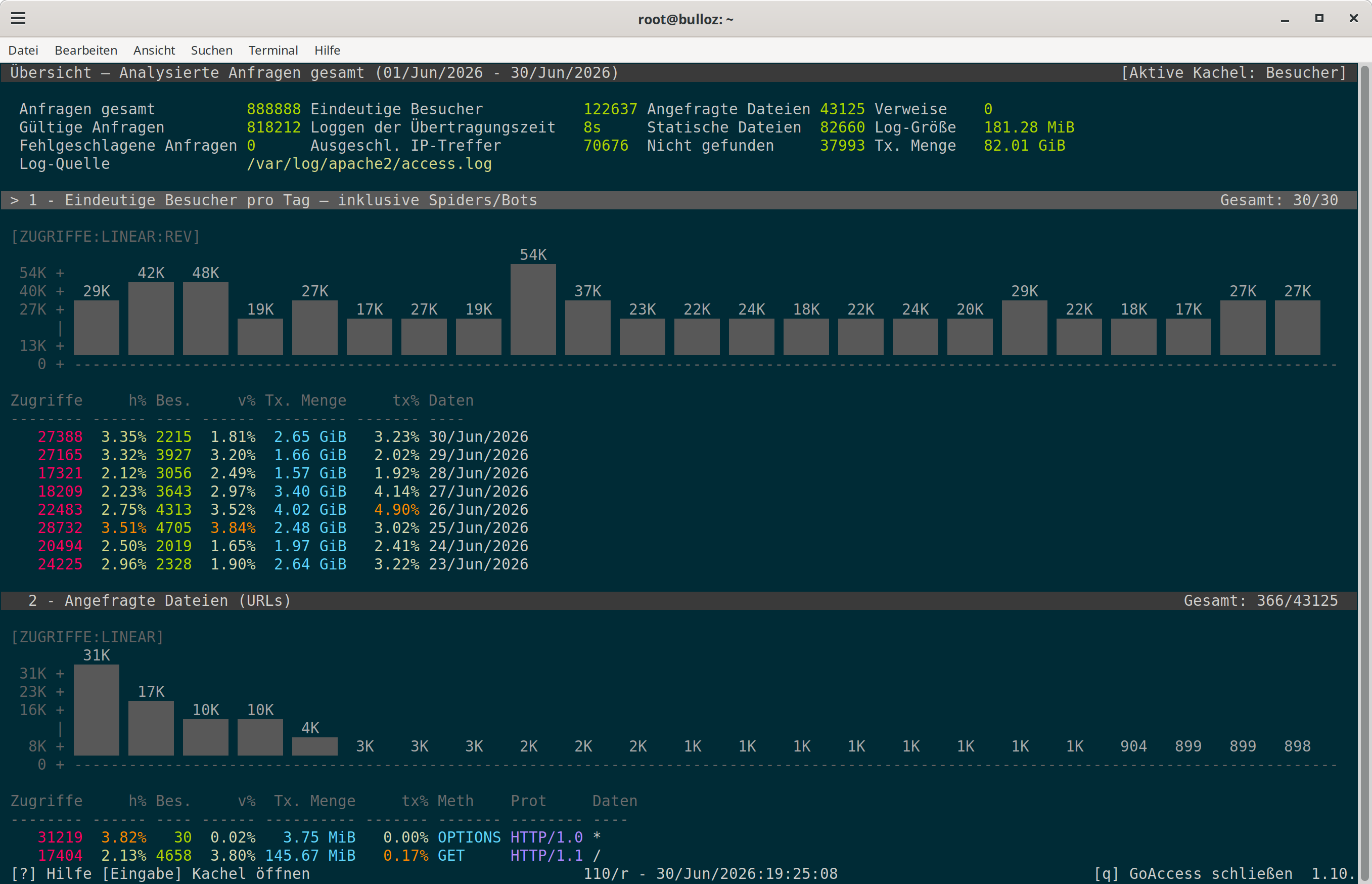
Die eigene IP kann unter dem Konfigurationsfile /etc/goaccess/goaccess.conf unter exclude-ip ausgeschlossenen werden.
exclude-ip 123.45.678.9
Ausgelesen wird hier somit die Datei unter /var/log/access.log. In dieser Datei speichert Debian sämtliche Logs für einen Tag. Nach einem Tag komprimiert das System die log-Datei und beginnt mit einer neuen Datei. Dies lässt sich jedoch ändern:
# nano /etc/logrotate.d/apache2
ändere dort daily mit weekly Ab jetzt schreibt das System pro Woche nur ein log-File.