
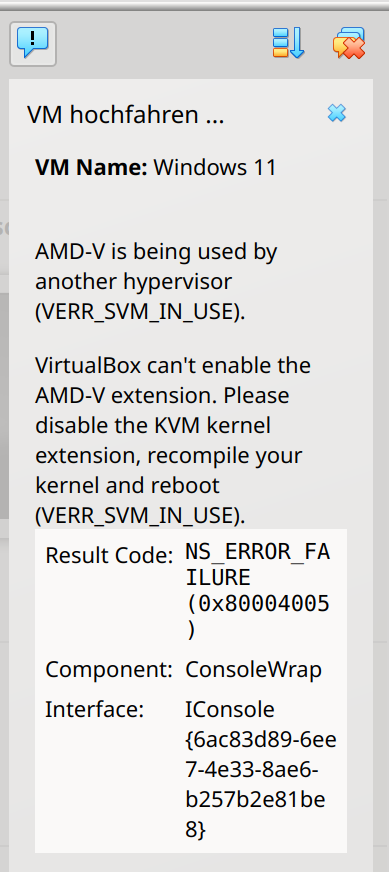
Versucht man VirtualBox mit aktivem KVM Kernelmodul zu starten erscheint folgende Meldung:
AMV-V is being user by another hypervisior (VERR_SVM_IN_USE). Virtualbox can’t enable the AMD-V extension. Please disable the KVM kernel extension, recompile your kenel an reboot (VERR_SVN_IN_USE).
 Um das KVM Modul zu deaktivieren muss zuerst das entsprechende Modul gefunden werden. Je nach CPU heisst es anders:
# lsmod | grep kvm
kvm_amd               217088  0
kvm                  1396736  1 kvm_amd
irqbypass              12288  1 kvm
ccp                   163840  1 kvm_amd
Nun deaktivieren wir das Modul:
# modprobe -r kvm_amd
# modprobe -r kvm
Dies ist jedoch nur temporär bis zum nächsten Reboot so. Möchtes du das Modul permanent deaktivieren füge es der Blacklist hinzu. Die Blacklist befindet sich unter: /etc/modprobe.d
# cd /etc/modprobe.d
# ls
amd64-microcode-blacklist.conf
# nano amd64-microcode-blacklist.conf
(...)

blacklist kvm_amd

blacklist kvm

(...)
damit es beim nächsten Hochfahren auch klappt, aktuallisiere den Kernel mit:
# update-initramfs -u